Compress PDF Online
Reduce PDF file size for email, WhatsApp, online forms, uploads, storage, and sharing. Choose a compression level and check the final file size and quality.
Use Compress PDF Online Now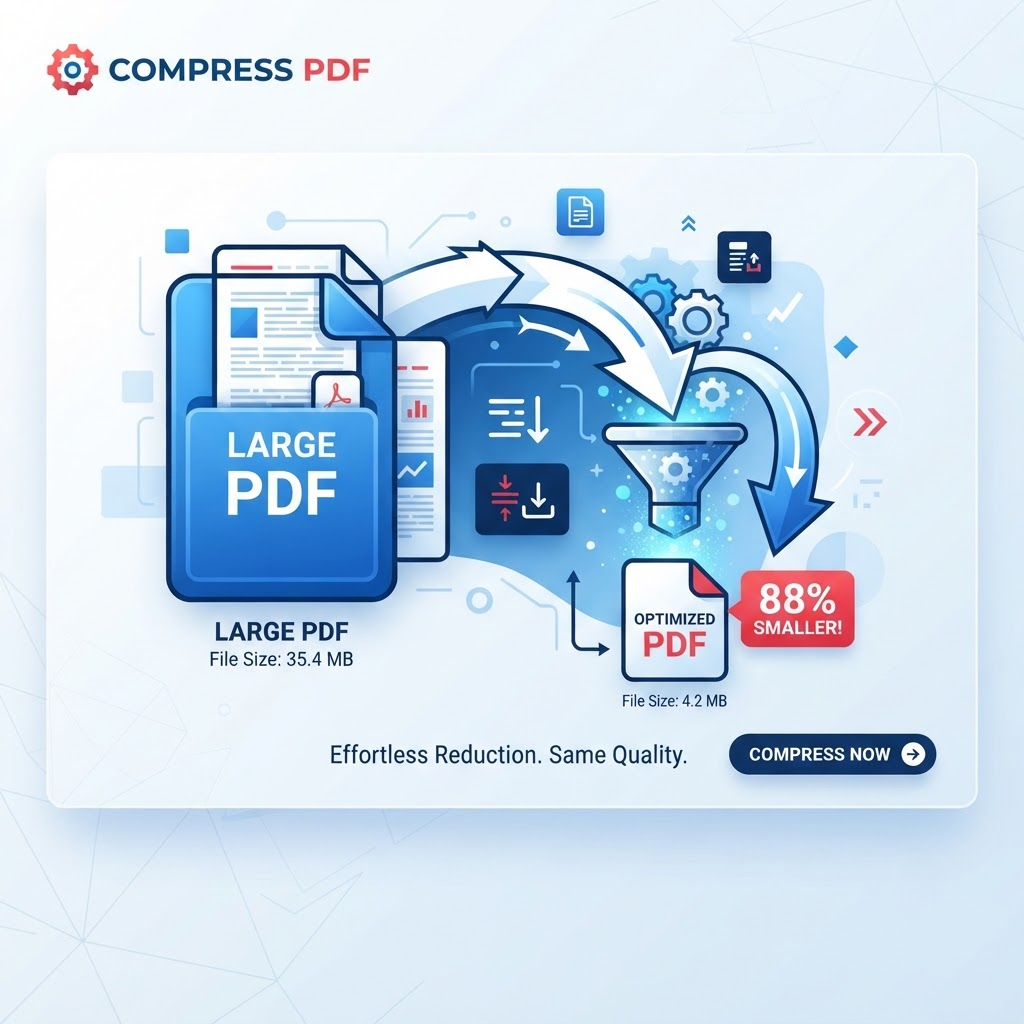
Related PDF workflows
Continue with a related PDF task when your document workflow needs another step.
Convert PDF to Word
Move supported PDF content into an editable DOCX workflow after reviewing the compressed file.
Merge PDF files
Combine related documents before or after compression when you need one PDF package.
Split PDF files
Separate large documents into smaller PDF parts when only certain pages need to be shared.
Helpful PDF guides
Read a practical guide before or after using this PDFilio tool.
How to Compress PDF Files
Step-by-step guidance for reducing PDF size and checking the output quality.
How to Compress PDF to 2MB
Practical steps for working toward a 2MB upload target without promising a fixed compression ratio.
How to Reduce PDF Size for Uploads
Prepare a smaller PDF for forms, portals, applications, and other upload limits.
Compress PDF online when a document is too large to email, upload, store, or share.
Compress PDF to 2MB
If an upload form requires a PDF around 2MB, start with a stronger available compression setting and check the resulting file size. There is no universal compression ratio: scanned and image-heavy PDFs may remain larger than text-heavy PDFs.
Compress PDF for Email
Email attachment limits vary by provider. Reduce the PDF, download the result, and open it before sending. If the file is still too large, remove unnecessary pages, reduce oversized source images, or split the document when the destination permits multiple files.
How to Make a PDF Smaller for Email
A practical workflow is to keep the original, compress a copy, compare the new file size, and inspect text, images, tables, signatures, and links. Use the smallest version that remains readable and fit for its purpose.
Reduce PDF Size Without Losing Too Much Quality
Higher compression can reduce image quality. Use the lightest compression that meets your upload or sharing requirement, then verify important pages before replacing the original.
Why Is My PDF So Large?
Large photographs, scanned pages, embedded fonts, graphics, attachments, and other document resources can increase PDF size. Removing unnecessary content at the source can sometimes produce a better result than repeated compression.
Is There a Guaranteed 2MB Result?
No. PDF compression depends on the source document and the available compression settings. PDFilio reports the actual output size after processing so you can check whether it meets your target.
Key Features
High, medium, and low compression levels
Original and compressed size comparison
Reports actual size reduction
Downloadable compressed PDF
PDF file validation
Browser-based workflow
Mobile and desktop browser support
Process another PDF from the same page
Benefits
Reduce PDF storage requirements
Send smaller email attachments
Make uploads more convenient
Speed up practical file transfers
Share documents more easily
Choose the quality-versus-size balance you need
Use Cases
Reducing PDF email attachment size
Meeting website and application upload limits
Preparing PDFs for WhatsApp and mobile sharing
Saving document storage space
Reducing PDFs before cloud uploads
Creating smaller copies for everyday document sharing
How to Use Compress PDF Online
1. Open the Tool
Open Compress PDF Online and review the available workflow and supported inputs.
2. Add or Select Your Content
Provide the supported file or content required by the tool, then choose any available options.
3. Review the Result
Review the generated result before downloading or using it, especially when accuracy matters.
Frequently Asked Questions
How can I compress a PDF to 2MB?
Upload the PDF, choose a stronger available compression setting, process it, and check the resulting size. A 2MB result cannot be guaranteed for every source PDF.
Can I compress a PDF for email?
Yes. Compress the PDF, check the final size against your email provider limit, and open the result to verify readability before sending.
How do I make a PDF smaller for email?
Use PDF compression first. If the file remains too large, remove unnecessary pages or oversized source images, or split the document when appropriate.
Will compressing a PDF reduce quality?
It can. Higher compression may reduce image quality, so review important pages after processing.
Can I compress a PDF on my phone?
Yes. The browser-based workflow can be used from supported modern phones, tablets, and desktop browsers.
What makes a PDF file so large?
High-resolution images, scans, embedded fonts, graphics, attachments, and other resources can increase file size.
How do I know how much smaller my PDF became?
After processing, PDFilio reports the original size, compressed size, and resulting reduction.
Is Compress PDF free?
PDFilio provides the online compression tool; current usage limits, account requirements, and availability are determined by the product configuration shown in the tool interface.
Start Compress PDF Online Now
Use the tool directly and download your result when it is ready.
Use Compress PDF Online