PDF to Excel
Convert supported PDF tables and structured data into editable Excel spreadsheets for analysis, reporting, accounting, and data workflows.
Use PDF to Excel Now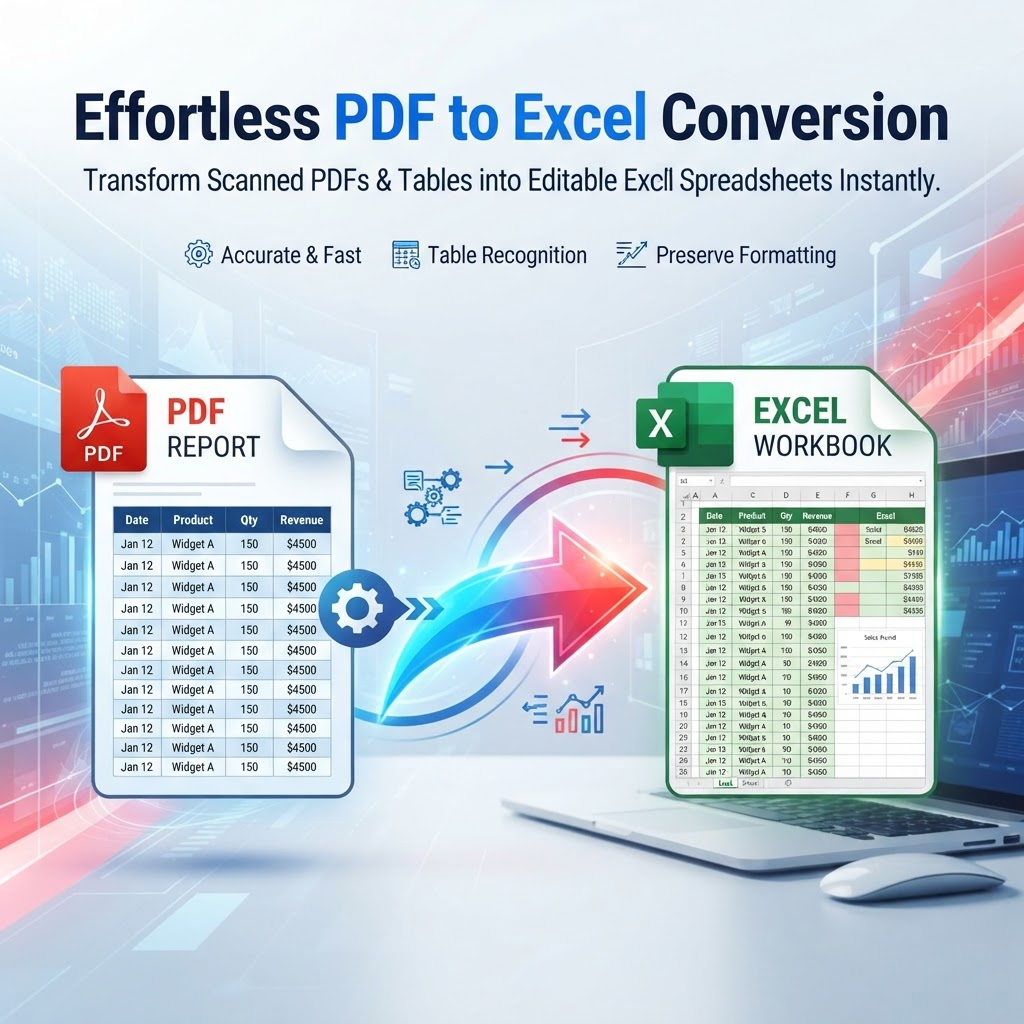
Related PDF workflows
Continue with a related PDF task when your document workflow needs another step.
Convert PDF to Excel Online
PDF to Excel helps turn supported PDF tables and structured information into editable Excel spreadsheets. Use it when data is inside reports, invoices, financial statements, research papers, or other PDF documents and you need to sort, review, or analyze it in a spreadsheet.
Convert PDF Tables to XLSX
Digital PDFs with selectable text and clear table structure are generally easier to extract than scanned or heavily formatted documents. Table layouts, merged cells, unusual fonts, and multi-column pages can affect how rows and columns appear in the resulting workbook.
What About Scanned PDFs?
Scanned or image-only PDFs may need optical character recognition (OCR) before table data can be extracted. Recognition quality depends on scan resolution, contrast, page alignment, and the clarity of the printed text. If the table is important, check the recognized values against the source.
Review Excel Data Before Using It
Conversion results can require cleanup. Verify names, dates, decimal points, totals, currency values, row order, and column headings against the original PDF—especially for invoices, accounting records, statements, and research data. The output should be treated as a starting point for review, not a substitute for checking critical figures.
How to Convert PDF to Excel
Upload a supported PDF, start the conversion, download the resulting XLSX file, and open it in a spreadsheet application to review the extracted data. If the source is a scan or has a complex layout, consider OCR first and allow time to check the output before relying on it.
Key Features
PDF table extraction
Excel XLSX output
Support for multiple tables in supported PDFs
Editable spreadsheet data
Structured data extraction
Browser-based conversion
Useful for reports and invoices
Mobile and desktop browser support
Benefits
Reduce repetitive manual data entry
Move PDF table data into an editable spreadsheet
Make extracted data easier to sort and analyze
Speed up report and invoice workflows
Create a useful starting point for spreadsheet analysis
Keep PDF conversion and spreadsheet preparation in one workflow
Use Cases
Converting financial reports into spreadsheets
Extracting invoice and billing tables
Preparing research tables for analysis
Moving report data into Excel
Working with structured business data
Reviewing transaction and statement tables
Preparing spreadsheet-based reports
Reducing manual data-entry work
How to Use PDF to Excel
1. Open the Tool
Open PDF to Excel and review the available workflow and supported inputs.
2. Add or Select Your Content
Provide the supported file or content required by the tool, then choose any available options.
3. Review the Result
Review the generated result before downloading or using it, especially when accuracy matters.
Frequently Asked Questions
What is PDF to Excel?
PDF to Excel converts supported PDF tables and structured data into an editable Excel spreadsheet, usually in XLSX format.
Can I convert a PDF to XLSX?
Yes. Supported PDF data can be converted into an editable XLSX spreadsheet.
Can I extract tables from a PDF?
Yes. The tool is designed to extract supported table structures and place the resulting data into a spreadsheet.
Does PDF to Excel work with scanned PDFs?
Scanned PDFs may require OCR because their tables are stored as images rather than selectable text. Results depend on scan quality and layout.
Can I convert multiple tables from one PDF?
Supported PDFs containing multiple tables can be processed, although the resulting spreadsheet structure can vary with the document layout.
Will formatting be preserved exactly?
Not necessarily. Spreadsheet output depends on the original PDF structure, tables, fonts, merged cells, and other layout characteristics.
How accurate is PDF table extraction?
Accuracy varies by document quality and table complexity. Always review important extracted figures, formulas, totals, and financial data against the original PDF.
Can I convert invoices to Excel?
Yes. Invoice tables are a common use case when the PDF contains readable, structured data.
Can I convert financial statements to Excel?
Yes, supported financial statements can be converted for further spreadsheet analysis, but important financial figures should be verified after conversion.
Can I convert research tables to Excel?
Yes. Research tables in supported digital PDFs can be useful candidates for spreadsheet extraction.
Can I use PDF to Excel on my phone?
Yes. The browser-based workflow can be accessed from supported mobile devices as well as desktop computers.
Is PDF to Excel free?
PDFilio provides the online tool; current usage limits, account requirements, and availability are determined by the product configuration shown in the tool interface.
What if my PDF contains a password?
Password-protected files may need to be unlocked with the appropriate authorization before their contents can be processed.
Start PDF to Excel Now
Use the tool directly and download your result when it is ready.
Use PDF to Excel