Merge PDF
Combine supported PDF files into a single document for easier sharing, printing, submission, review, and archiving.
Use Merge PDF Now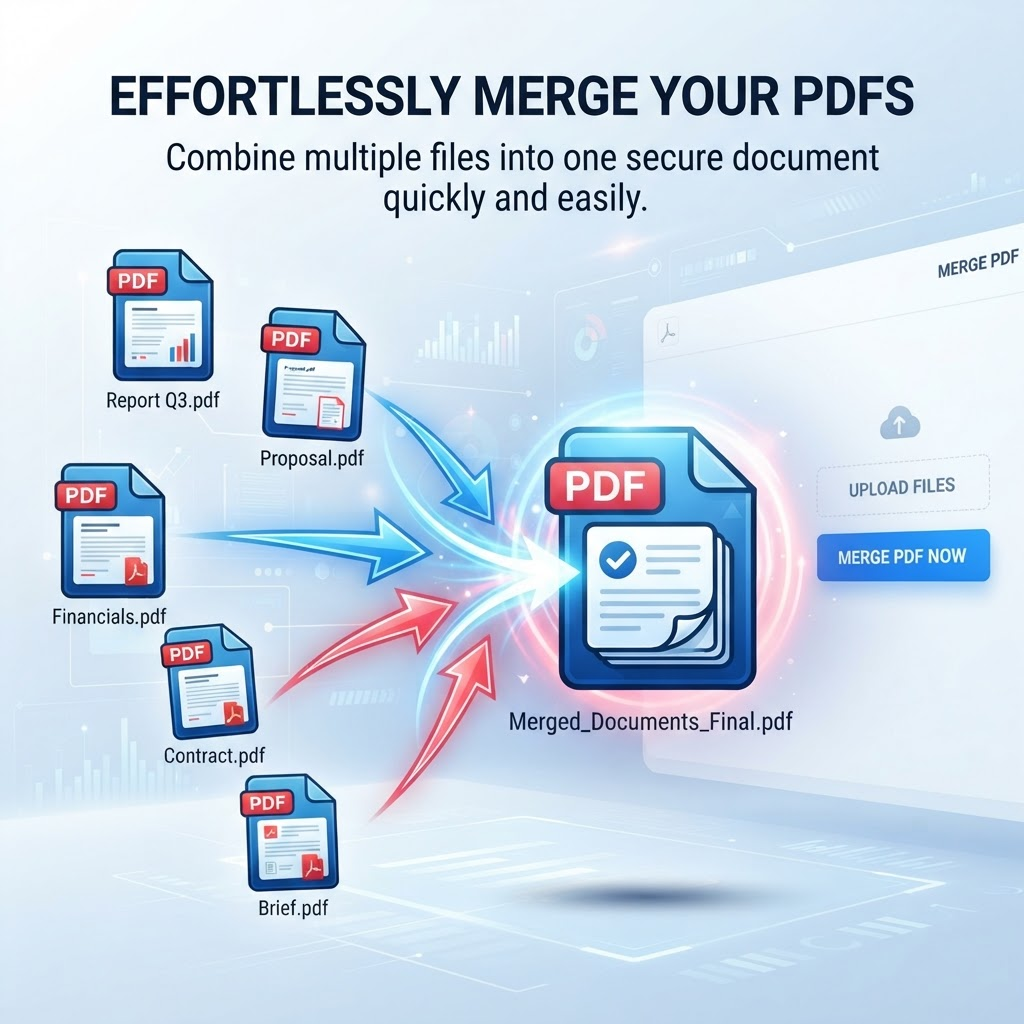
Related PDF workflows
Continue with a related PDF task when your document workflow needs another step.
Helpful PDF guides
Read a practical guide before or after using this PDFilio tool.
How to Merge PDF Files
Learn how to combine PDFs in the required order and verify the final document.
How to Merge PDFs for Submission
Plan document order and check the final PDF before an online submission.
How to Combine Scanned PDFs
Combine scanned documents and check page order, readability, and file size.
Merge PDF helps you combine multiple supported PDF files into one document. This is useful when related reports, chapters, forms, receipts, contracts, or project documents are stored as separate PDF files and need to be shared or managed together.
Combine PDFs in the Right Order
Choose the files you want to bring together and check their order before processing. A deliberate order is especially helpful for applications, reports, scanned paperwork, contracts with appendices, and assignments that must follow a specific sequence. If the order is not right, adjust the selected list before creating the combined document.
When Is a Combined PDF Useful?
Merging PDFs can reduce the number of attachments you need to send and make related documents easier to review. Common examples include combining report sections, assembling supporting documents for a form submission, joining receipts with an expense report, or keeping meeting materials together. Use only files you are authorized to combine and share.
What to Check After Merging
A typical workflow is to select supported PDF files, confirm the selected order, start processing, review the result, and download the final PDF. For important documents, check page order, page size, orientation, bookmarks, forms, links, annotations, and other document features after merging. Features can behave differently depending on the source PDFs and processing workflow, so do not assume every interactive element will be preserved identically.
Merge PDF vs. Compress PDF
Merging combines multiple documents into one PDF; it does not necessarily reduce the file size. If the combined document is too large to upload or email, use a PDF compression tool as a separate step and review the resulting file quality.
Prepare Files Before You Merge
Use clear file names, remove pages you do not want included, and make sure the source PDFs open correctly. Keep the originals in case you need to rebuild the combined document in a different order or compare the result with the source files.
Key Features
Combine multiple supported PDFs
Select files in merge order
Create a single PDF output
Review the result before download
Benefits
Simplify document sharing
Organize related files
Prepare submissions more efficiently
Keep the original files available for backup
Use Cases
Combining reports into one document
Merging chapters or sections into a single PDF
Organizing contract and application documents
Creating a unified project document
Combining meeting notes and supporting files
Assembling financial statements and reports
Preparing documents for submission
Creating a single PDF for sharing and archiving
How to Use Merge PDF
1. Open the Tool
Open Merge PDF and review the available workflow and supported inputs.
2. Add or Select Your Content
Provide the supported file or content required by the tool, then choose any available options.
3. Review the Result
Review the generated result before downloading or using it, especially when accuracy matters.
Frequently Asked Questions
How do I merge PDF files?
Open the Merge PDF tool, select at least two supported PDF files in the order you want them merged, start processing, and review the resulting PDF before downloading.
Can I change the order before merging?
Check the selected-file list before processing. If the order is not right, rearrange the files if the interface supports it, or clear the list and add the files again in the desired sequence.
Will merging PDFs reduce the file size?
Not necessarily. Merging combines documents into one PDF, but the resulting file may still be large. Use a PDF compression tool separately if you need a smaller file.
Are links, forms, bookmarks, and annotations preserved?
Preservation can depend on the source PDFs and processing workflow. Review important interactive elements and page features in the merged file before relying on it.
What happens to my uploaded files?
Processing depends on the current tool workflow. PDFilio is not a permanent file-storage service; see the Privacy Policy for the general data-handling approach.
Is there a file-size limit?
The current Merge PDF uploader accepts individual PDF files up to 100MB, with a 500MB total selected-file limit. Follow any limit shown in the live uploader if it changes.