Word to PDF Converter
Convert supported Word DOC and DOCX documents into PDF files for sharing, printing, archiving, and professional document workflows.
Use Word to PDF Converter Now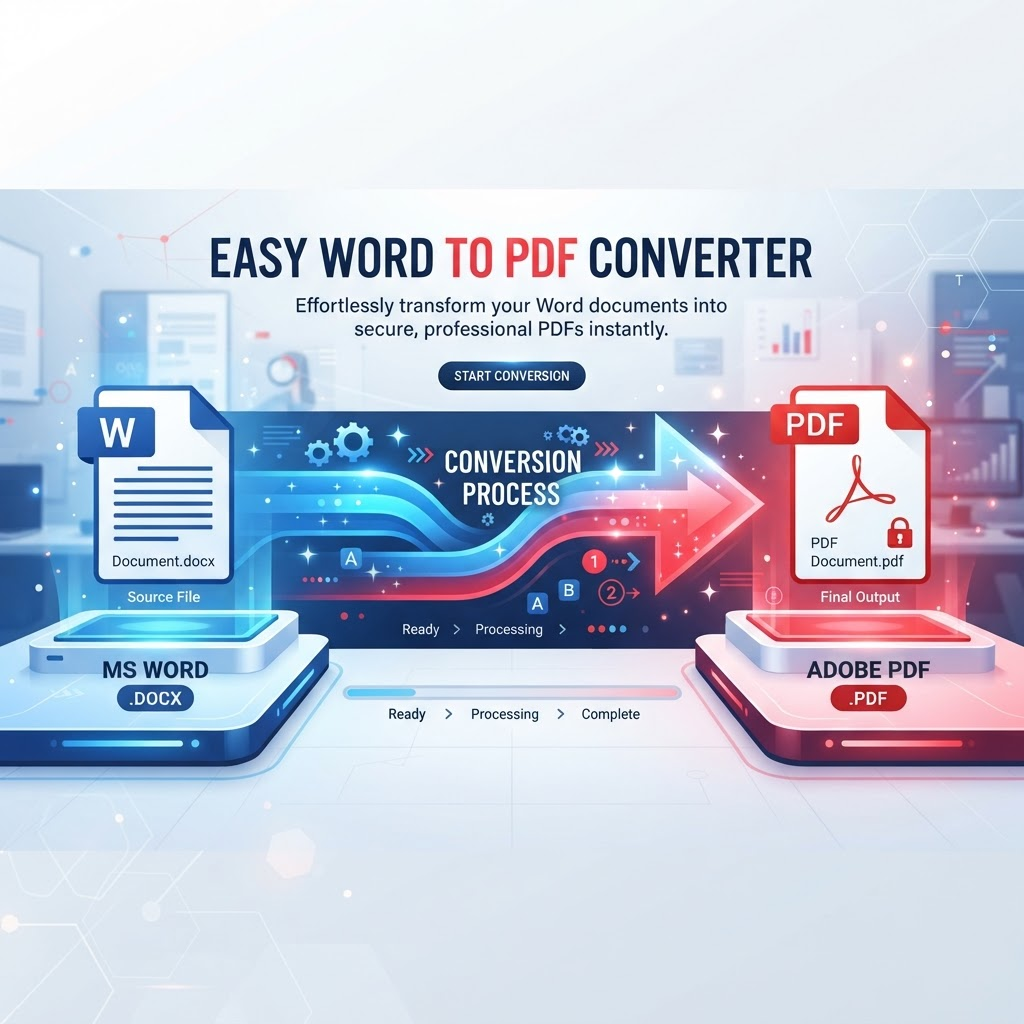
Related PDF workflows
Continue with a related PDF task when your document workflow needs another step.
Use the Word to PDF converter to turn a supported Microsoft Word document into a PDF you can share, print, submit, or archive. PDF is useful when recipients need to view a document without editing the original Word file. Common examples include resumes, job applications, reports, proposals, letters, forms, and contracts.
To convert Word to PDF online, choose a supported DOC or DOCX file in the uploader, start the conversion, then open the generated PDF and check it before downloading. If you have several documents, convert each supported file using the tool's available workflow and keep the original Word files as editable backups.
Word-to-PDF conversion may change details in complex source documents. Fonts that are unavailable, large or anchored images, tables, columns, headers, footers, page breaks, and unusual page sizes can affect layout or pagination. For important documents, compare the PDF with the original Word file and check every page, especially signatures, totals, tables, and page numbering.
DOC and DOCX are different Word file formats, and the formats available for conversion are determined by the current uploader. Select only a file type the tool marks as supported. Processing time and upload limits depend on the current tool configuration.
Key Features
Convert supported DOC and DOCX files to PDF
Create a PDF copy for sharing and printing
Review the generated file before download
Browser-based conversion workflow
Access from supported desktop and mobile browsers
Useful for resumes, reports, letters, and proposals
Keep the source Word document as an editable backup
Links to related document conversion tools
Benefits
Share a document in a widely used viewing and printing format
Prepare resumes and reports for PDF-only submission portals
Reduce the need for recipients to edit the source document
Keep a separate editable Word original for later changes
Review page layout before distributing important documents
Move documents into common PDF-based workflows
Use Cases
Convert a resume to PDF before submitting a job application\nShare a business proposal or report in a consistent document format\nPrepare letters and forms for printing\nSend a read-ready copy of a contract for review\nCreate PDF copies of finalized Word documents for archiving\nPrepare documents for portals that request PDF uploads\nShare project documents with clients or colleagues\nKeep the original DOC or DOCX file available for future edits
How to Use Word to PDF Converter
1. Open the Tool
Open Word to PDF Converter and review the available workflow and supported inputs.
2. Add or Select Your Content
Provide the supported file or content required by the tool, then choose any available options.
3. Review the Result
Review the generated result before downloading or using it, especially when accuracy matters.
Frequently Asked Questions
How do I convert Word to PDF online?
Open the Word to PDF tool, choose a supported DOC or DOCX file, start conversion, then review and download the generated PDF.
Can I convert DOCX to PDF?
Yes, when DOCX is accepted by the current uploader. Select the supported DOCX file and run the conversion.
Can I convert DOC to PDF?
Use the DOC format if it is listed as supported by the uploader. If the tool does not accept your DOC file, save or export it as DOCX using a compatible editor and try again.
Will Word formatting be preserved exactly?
Exact formatting cannot be guaranteed for every file. Fonts, tables, images, columns, headers, footers, and page breaks can affect the result, so review the PDF before sharing it.
Can I convert a resume to PDF?
Yes, if the resume is in a supported Word format. Check page breaks, contact details, and formatting in the generated PDF before submitting it.
Can I convert a report or proposal to PDF?
Supported DOC or DOCX reports and proposals can be converted. Review tables, charts, page numbering, and other layout details afterward.
Can I convert a contract to PDF?
A supported Word contract can be converted to PDF. Carefully review all clauses, names, dates, page order, and signature areas before using or distributing the result.
Can Word documents with tables be converted?
Supported documents containing tables can be processed, but wide or complex tables may wrap or paginate differently. Check each table in the resulting PDF.
Can I use the Word to PDF converter on my phone?
You can open the browser-based tool on supported phones, tablets, and desktop browsers. The available file picker and upload limits depend on your device and the current tool configuration.
Do I need Microsoft Word installed?
You do not need to open the document in Microsoft Word to use the online workflow, provided the file is in a format the uploader accepts.
How long does Word to PDF conversion take?
Processing time depends on file size, document complexity, page count, and current system resources.
Is Word to PDF free?
Check the current tool interface for any usage limits, account requirements, or availability conditions; these can depend on the product configuration.
Can I edit the PDF after conversion?
PDFs are commonly used for sharing and viewing. Keep the original Word document if you expect to make substantial text or layout changes later.
Start Word to PDF Converter Now
Use the tool directly and download your result when it is ready.
Use Word to PDF Converter