Split PDF
Split a supported PDF into two separate PDF files by choosing a split page or using the default middle split. Download both parts together as a ZIP file.
Use Split PDF Now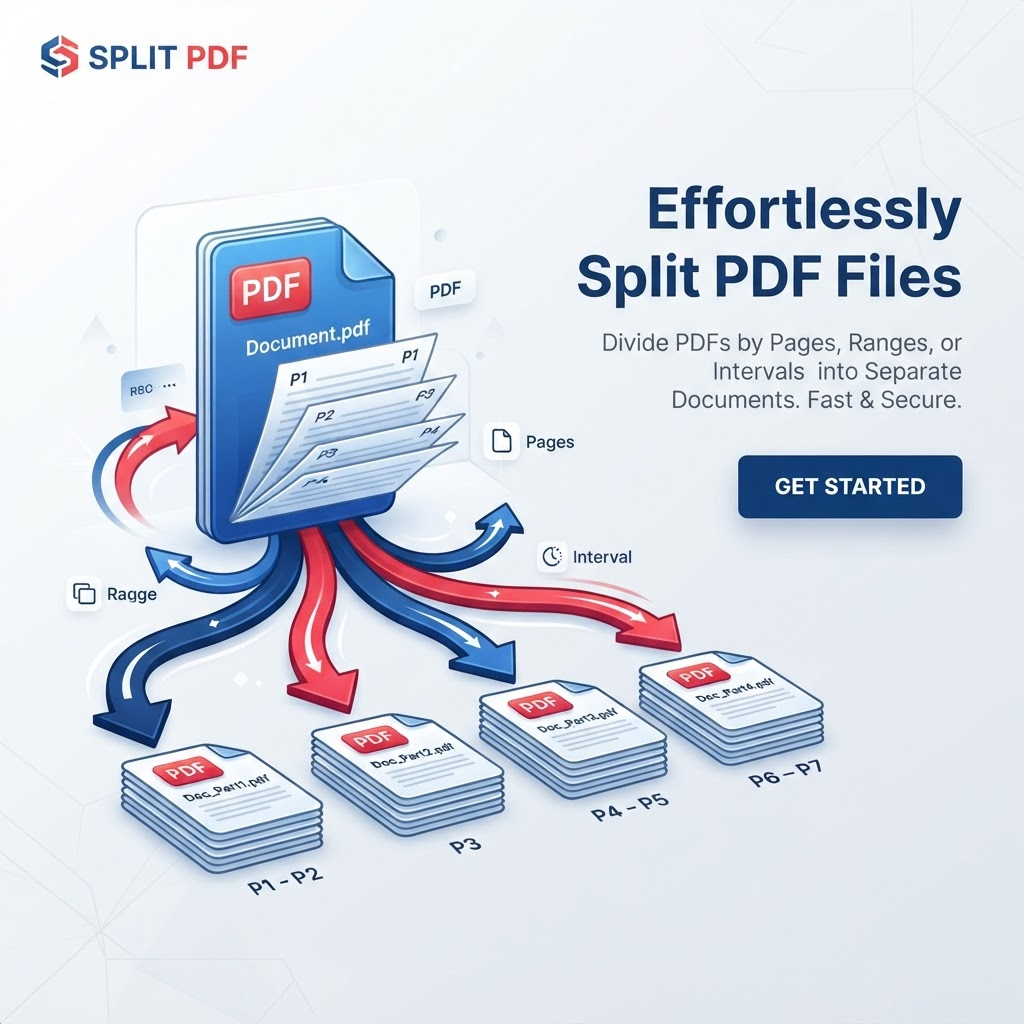
Related PDF workflows
Continue with a related PDF task when your document workflow needs another step.
Helpful PDF guides
Read a practical guide before or after using this PDFilio tool.
Split PDF helps you divide a supported PDF into two separate PDF files. You can choose the page after which the split should occur, or leave the field blank to split the document near the middle.
This workflow is useful for separating sections of textbooks, reports, contracts, research papers, application documents, and other multi-page PDFs. The service creates two PDF outputs and packages them into one ZIP download.
The original PDF on your device is not changed by creating the split outputs. For important documents, review both generated PDFs before sharing, submitting, or archiving them.
Key Features
Split supported PDFs into two parts
Choose the page where the split occurs
Default middle-page split when no page is entered
Creates two PDF output files
ZIP download containing both parts
Browser-based PDF processing
Works on supported mobile and desktop browsers
Original local PDF remains unchanged
Benefits
Separate a long PDF into two manageable files
Choose an exact split point for common documents
Prepare smaller sections for sharing and review
Reduce repetitive manual PDF handling
Keep the original PDF available for another split
Download both generated parts together
Use Cases
Splitting a PDF into two smaller parts
Separating the first section from the rest of a report
Extracting a chapter range from a textbook
Separating contract sections for review
Dividing research papers into manageable sections
Preparing selected document sections for sharing
Breaking a long PDF into two files
Creating separate files for document workflows
How to Use Split PDF
1. Open the Tool
Open Split PDF and review the available workflow and supported inputs.
2. Add or Select Your Content
Provide the supported file or content required by the tool, then choose any available options.
3. Review the Result
Review the generated result before downloading or using it, especially when accuracy matters.
Frequently Asked Questions
How do I split a PDF into two parts?
Upload a supported PDF, optionally enter the page after which you want the split, then select Split PDF. If you leave the field blank, the document is split near the middle.
Can I choose where the PDF is split?
Yes. Enter a page number in the Split after page field. For example, entering 5 creates pages 1–5 as the first PDF and pages 6–end as the second.
What happens if I do not enter a split page?
The tool automatically chooses a split point near the middle of the document.
How many files does Split PDF create?
The current workflow creates two PDF files and packages them together in a ZIP download.
Can I split a one-page PDF?
No. The current splitter requires at least two pages so that the document can be divided into two non-empty PDF files.
Will splitting change the original PDF?
No. Creating split outputs does not intentionally modify the original PDF stored on your device.
Will PDF quality stay exactly the same?
The splitter copies pages into new PDF documents. Important files should still be reviewed because some PDF features can behave differently depending on the source document.
Can I split a scanned PDF?
Yes. A scanned PDF can generally be divided by page because the pages are part of the PDF structure. OCR is only needed when you also need searchable or extractable text.
Can I split a PDF on my phone?
Yes. The browser-based workflow can be accessed from supported phones, tablets, and desktop browsers.
Do I need to install software?
No separate PDF-splitting application is required for the browser-based workflow.
What format is the download?
The two generated PDFs are packaged into one ZIP file so both parts can be downloaded together.
Can splitting reduce PDF file size?
Two smaller PDFs can individually be smaller than the original, but the exact file sizes depend on the document content and PDF structure.