Rotate PDF
Rotate supported PDF pages to correct orientation, fix sideways scans, and make mixed-orientation documents easier to read, share, and print.
Use Rotate PDF Now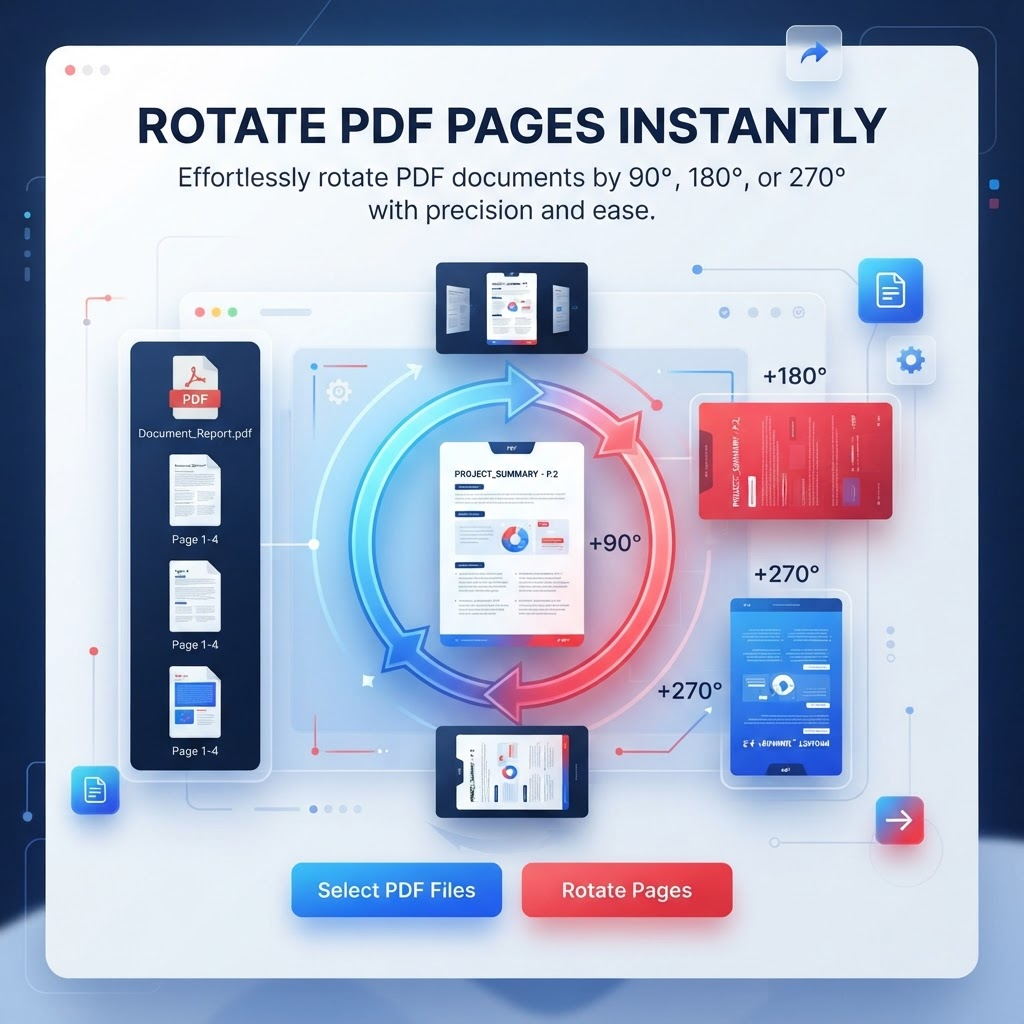
Rotate PDF helps you correct the orientation of supported PDF pages. This is useful when scanned pages appear sideways or upside down, when a document contains mixed page orientations, or when you need a different page direction for viewing or printing.
The tool supports 90, 180, and 270 degree rotation options. Rotation changes the page orientation rather than converting the document into another file format. The final result can depend on the source PDF and the current processing workflow, so review important documents after processing.
Typical workflow: upload a supported PDF, choose the required rotation angle, process the file, review the page orientation, and download the resulting PDF. Keep the original file when you may need to compare or restore the original orientation.
Key Features
90 degree page rotation
180 degree page rotation
270 degree page rotation
PDF orientation correction
Browser-based workflow
Desktop and mobile browser support
PDF output after processing
Simple upload and rotation workflow
Benefits
Fix hard-to-read sideways or upside-down pages
Make mixed-orientation PDFs easier to view
Prepare documents for printing and submission
Avoid manually rebuilding a document just to correct orientation
Improve consistency when sharing scanned documents
Correct page direction before other PDF workflows
Use Cases
Fixing sideways scanned documents
Correcting upside-down PDF pages
Organizing mixed-orientation documents
Preparing PDFs for printing
Improving PDF viewing on phones and tablets
Correcting camera-scanned pages saved as PDF
Preparing documents for sharing and submission
Adjusting page direction for reading workflows
How to Use Rotate PDF
1. Open the Tool
Open Rotate PDF and review the available workflow and supported inputs.
2. Add or Select Your Content
Provide the supported file or content required by the tool, then choose any available options.
3. Review the Result
Review the generated result before downloading or using it, especially when accuracy matters.
Frequently Asked Questions
How do I rotate a PDF online?
Upload a supported PDF, choose the required rotation angle, process the file, review the result, and download the rotated PDF.
What rotation angles are available?
The current Rotate PDF workflow supports 90, 180, and 270 degree rotation options.
Can I rotate a sideways PDF?
Yes. Rotating a sideways page by the appropriate angle can correct its viewing orientation.
Can I rotate an upside-down PDF?
Yes. A 180 degree rotation can correct pages that are upside down when that is the appropriate orientation.
Will rotating a PDF change its content?
Rotation is intended to change page orientation rather than rewrite the document content. Review the output for important files.
Will PDF quality decrease after rotation?
Rotation itself does not require intentionally reducing image quality, but the generated output depends on the source PDF and processing workflow.
Can I rotate PDF pages on my phone?
Yes. The browser-based workflow can be accessed from supported phones, tablets, and desktop browsers.
Do I need to install software?
No separate PDF rotation application is required for the browser-based workflow.
Can I rotate scanned PDF pages?
Yes. Rotating scanned pages can be useful when a scanner or camera produced pages in the wrong orientation.
Can I rotate a PDF before printing?
Yes. Correcting page orientation before printing can make the document easier to read and reduce orientation problems.
Can I rotate a mixed-orientation PDF?
The usefulness of rotation depends on the controls available in the current tool interface and the page structure of the PDF. Review the resulting pages before sharing.
What file format can I rotate?
The Rotate PDF tool accepts supported PDF files. Convert other document or image formats to PDF first if needed.
Is Rotate PDF free?
PDFilio provides the online rotation tool; current usage limits, account requirements, and availability are determined by the product configuration shown in the tool interface.