QR Code Generator
Create QR codes online from supported links, text, contact information, and other content, then review the generated code before sharing or printing.
Use QR Code Generator Now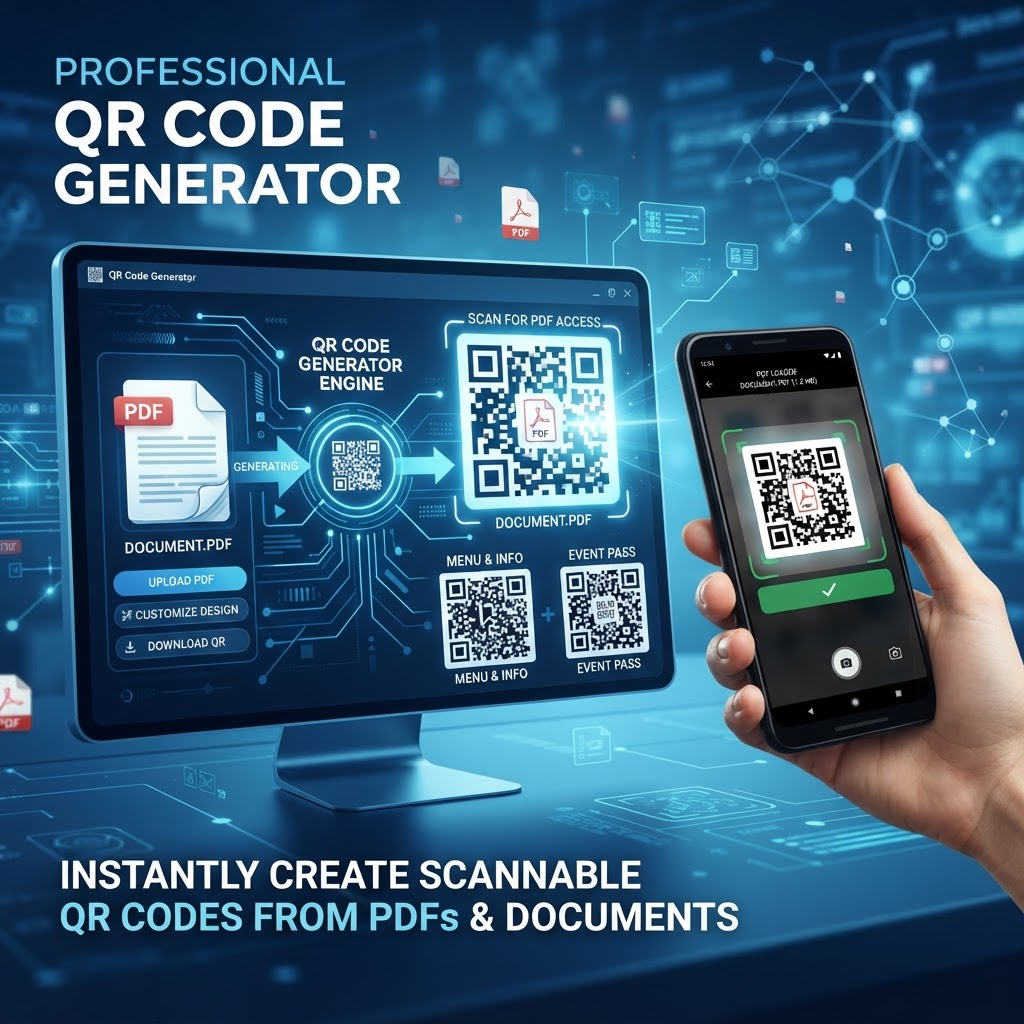
A QR code generator turns supported information into a scannable two-dimensional code. QR codes can make it easier for people to open a web address, access text, or use other supported information from a phone camera or QR scanner.
Create a QR Code Online
Enter the supported information you want to encode, generate the QR code, and check the result before using it. For important campaigns, documents, signs, or printed materials, test the code with a phone before distribution.
Useful for Digital and Printed Materials
QR codes can be used on business cards, flyers, posters, menus, presentations, documents, event materials, product information, and other places where a quick scan can connect people with additional information.
Check Your QR Code Before Sharing
Always scan the generated QR code and confirm that it opens the intended information. For printed QR codes, check the final printed size, contrast, surrounding space, and readability before producing large quantities.
Key Features
QR code generation workflow
Support for common QR content
Scannable code output
Browser-based workflow
Preview and review guidance
Useful for digital and print materials
Simple sharing workflow
Mobile-friendly use guidance
Benefits
Turn supported information into a scannable code
Make links easier to access from printed materials
Connect physical materials with digital content
Create QR codes for common business and personal uses
Test codes before sharing or printing
Use a browser-based generation workflow
Use Cases
Website and landing-page links
Business cards and contact information
Flyers, posters, and brochures
Restaurant menus and event materials
Presentations and documents
Product and service information
Marketing and promotional materials
Digital-to-physical information sharing
How to Use QR Code Generator
1. Open the QR Code Generator and enter the supported information you want to encode.
2. Generate the QR code and review the displayed result.
3. Scan the code with a phone or QR scanner to confirm it contains the intended information before sharing or printing it.
Frequently Asked Questions
What is a QR code generator?
A QR code generator creates a scannable QR code from supported information such as a web address, text, or other supported content.
Can I create a QR code online?
Yes. A browser-based QR code generator can create a QR code without requiring a separate desktop application.
What can I put in a QR code?
Supported content depends on the generator. Common QR uses include website URLs, text, contact information, and other supported data.
Can I create a QR code for a website?
Yes. A website URL is a common QR code use. After generating it, scan the code and verify that it opens the intended address.
Can I use a QR code on a flyer or poster?
Yes. QR codes can be placed on flyers, posters, brochures, business cards, menus, and other printed materials. Test the final printed version before distribution.
Can I use a QR code in a PDF?
A generated QR code can be used as an image in supported documents or PDF workflows. Check the final PDF and scan the code before sharing it.
Will a QR code expire?
A QR code that directly encodes information does not inherently have an expiration date. However, a QR code pointing to a website depends on that destination remaining available.
Do QR codes need to be tested?
Yes. Scan the generated code before publishing or printing it to confirm that it contains the correct information and works as expected.
Can I print a QR code?
Yes. For printing, make sure the code is large and clear enough to scan and has adequate contrast and surrounding space.
Can I create QR codes on a phone?
A browser-based QR code workflow can be used on supported mobile browsers. The exact experience depends on the device and browser.
Are QR codes safe?
A QR code is a way of encoding information; the destination or content it points to may still require normal security awareness. Verify links before sharing and encourage recipients to check destinations.
Is the QR Code Generator free?
Current pricing, usage limits, and available features depend on the product configuration shown by PDFilio.
Start QR Code Generator Now
Use the tool directly and download your result when it is ready.
Use QR Code Generator