Image to PDF
Convert supported images into PDF documents and combine multiple images into organized pages for sharing, printing, or archiving.
Use Image to PDF Now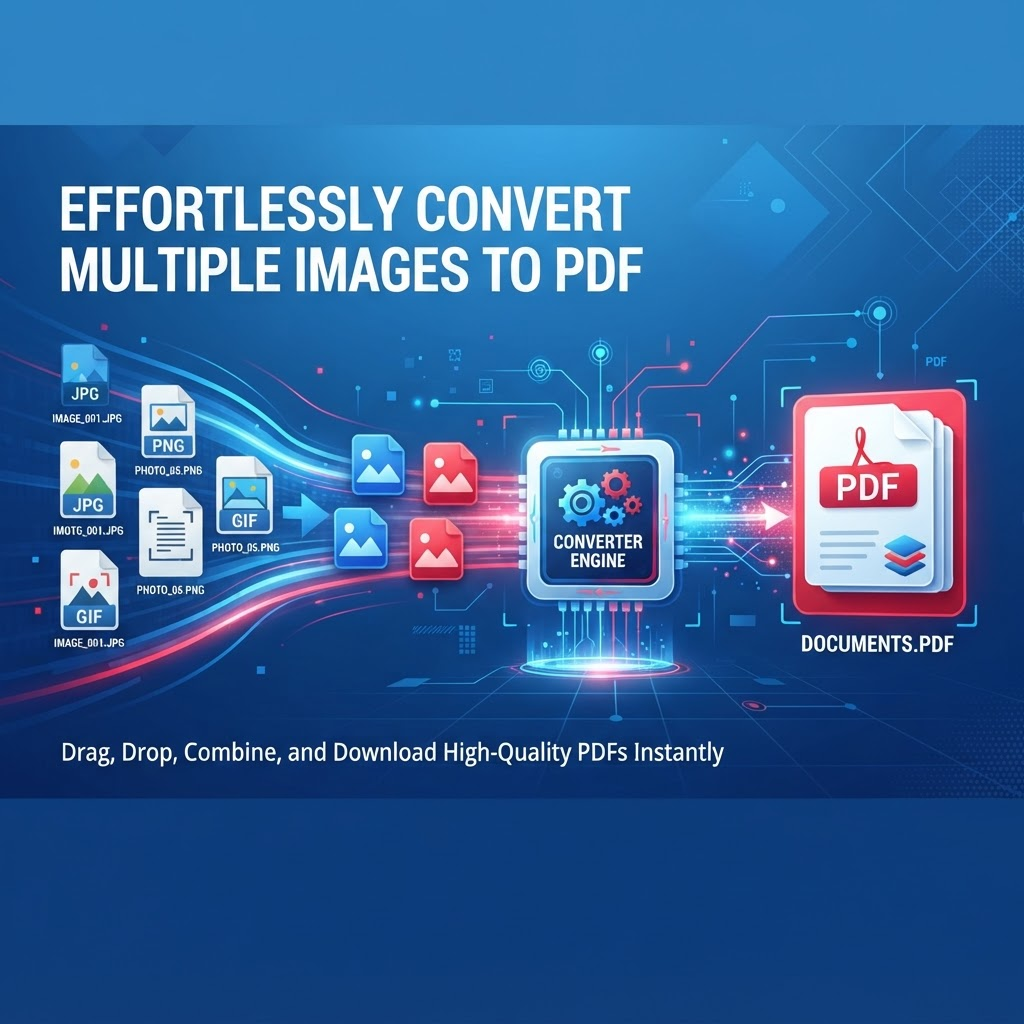
Related PDF workflows
Continue with a related PDF task when your document workflow needs another step.
Image to PDF helps turn supported photos and image files into portable PDF documents. It is useful for digitizing photographed paperwork, combining receipts, organizing notes, preparing image-based reports, and creating printable photo documents.
When combining multiple images, review their order, orientation, page size, margins, and final readability. Image dimensions and source quality can affect how the resulting PDF looks and how large the final file becomes.
For important documents, keep the original image files until you have reviewed the PDF. If the source images contain sensitive information, follow your organization's privacy requirements and avoid uploading documents unless the service and workflow meet those requirements.
Key Features
Convert supported image files to PDF
Combine multiple images into one PDF
Arrange images before conversion
Useful page-size and layout workflow
Browser-based image-to-PDF processing
Suitable for mobile and desktop browsers
PDF output for sharing and printing
Related PDF conversion tools
Benefits
Turn image collections into one portable document
Organize photographed paperwork into page order
Prepare receipts and notes for sharing
Create printable PDFs from supported images
Keep related images together in one file
Review the final PDF before distribution
Use Cases
Digitizing photographed paper documents
Combining receipts and invoices into one PDF
Turning handwritten notes into a PDF
Creating photo-based PDF documents
Organizing multiple image pages
Preparing images for printing
Archiving image-based records
Sharing several images as one document
How to Use Image to PDF
1. Open the Tool
Open Image to PDF and review the available workflow and supported inputs.
2. Add or Select Your Content
Provide the supported file or content required by the tool, then choose any available options.
3. Review the Result
Review the generated result before downloading or using it, especially when accuracy matters.
Frequently Asked Questions
How do I convert an image to PDF?
Open Image to PDF, upload supported image files, arrange them as needed, start the conversion, review the resulting PDF, and download it when ready.
Can I convert JPG to PDF?
Yes, JPG images are a common use case when the format is supported by the current conversion workflow.
Can I convert PNG to PDF?
Yes, supported PNG images can be converted into PDF pages.
Can I combine multiple images into one PDF?
Yes. Upload multiple supported images and arrange them in the desired order before creating the PDF.
Can I arrange the image order?
The workflow can allow image ordering before conversion. Review the page sequence before creating the final PDF.
Will image orientation be preserved?
Orientation depends on the source image and conversion workflow. Review portrait and landscape pages in the resulting PDF.
Can I convert photos of documents to PDF?
Yes. Photographing documents and combining the resulting images into a PDF is a common use case. Clear, well-lit source images generally produce better results.
Can I create a PDF from receipts?
Yes. Multiple receipt images can be organized into one PDF for easier sharing, review, or record keeping.
Will converting images to PDF reduce quality?
The result depends on the source resolution, page settings, and conversion process. Review the generated PDF before relying on it for printing or archival use.
Can I use Image to PDF on a phone?
The browser-based workflow can be accessed from supported phones, tablets, and desktop browsers.
What image formats are supported?
Supported formats depend on the current tool configuration. Common formats such as JPG and PNG are intended for image-to-PDF workflows.
Should I keep my original images?
Yes. Keep the originals until you have checked the PDF for missing pages, incorrect orientation, unreadable text, or layout problems.
Is Image to PDF free?
PDFilio provides the online image-to-PDF workflow; current usage limits, account requirements, and available features depend on the product configuration shown in the interface.
Start Image to PDF Now
Use the tool directly and download your result when it is ready.
Use Image to PDF