Batch PDF Conversion
Process multiple supported document conversions in a streamlined batch workflow instead of handling every file as a separate task.
Use Batch PDF Conversion Now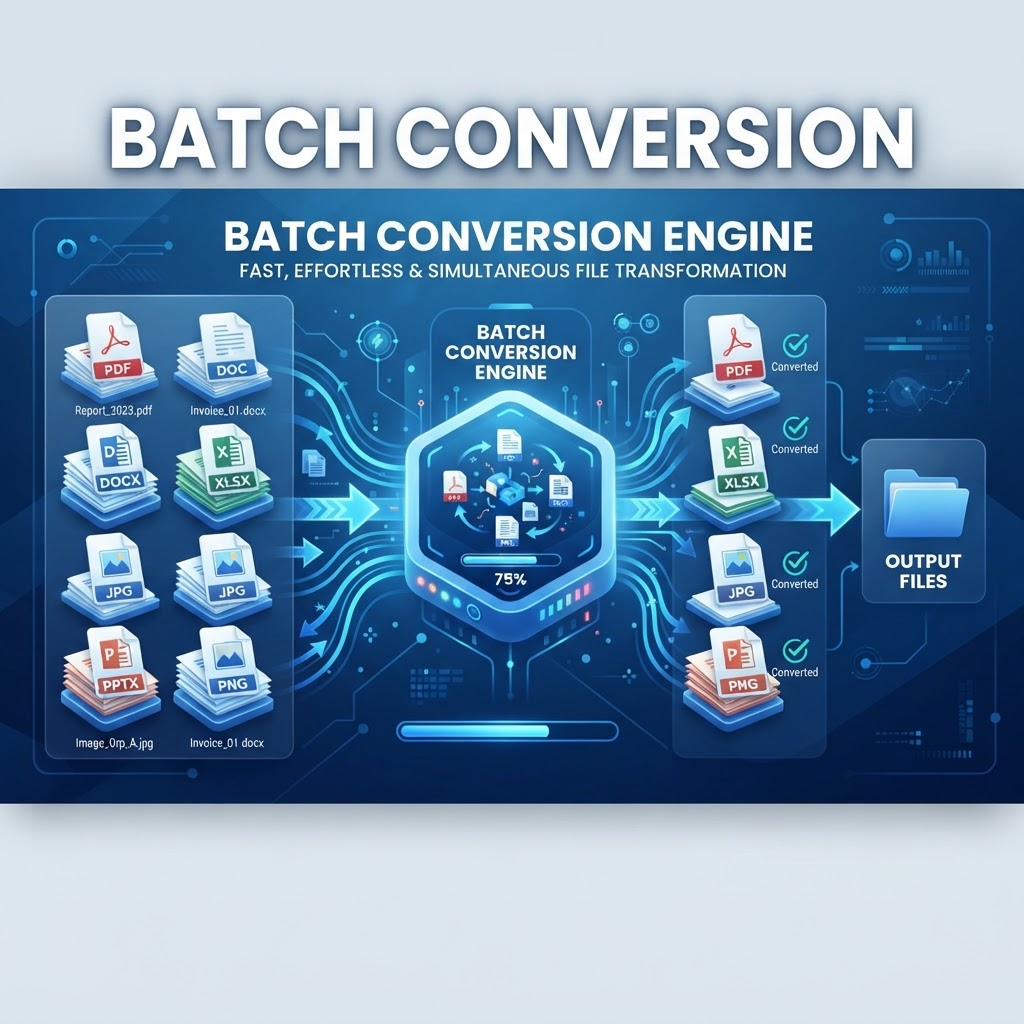
Batch PDF conversion is useful when you have a group of documents that need the same or related conversion workflow. Instead of repeating the same steps for every file, a batch workflow can help organize multiple files for processing.
Convert Multiple Files More Efficiently
Batch conversion is designed around multi-file workflows. Select the supported files you need to process, choose the appropriate conversion workflow where available, and review the resulting files before using or sharing them.
Useful for Repetitive Document Work
Batch processing can be helpful for office documents, project files, scanned documents, reports, images, and other supported file collections. The exact input and output formats depend on the conversion workflow available for the selected files.
Review Batch Conversion Results
Conversion results can vary by source format, document structure, fonts, tables, images, and other content. Review the output files before relying on them for important work or distribution.
Key Features
Multi-file workflow
Batch-oriented document processing
Support for selected conversion formats
Streamlined repetitive workflows
Browser-based workflow
Output review guidance
Related PDF conversion tools
Separate file handling workflow
Benefits
Reduce repetitive conversion steps
Work with groups of supported files
Keep document processing organized
Prepare multiple files for downstream workflows
Review outputs before sharing
Move between related PDF conversion tools
Use Cases
Convert multiple documents in a repetitive workflow
Process groups of supported files
Prepare document collections for a project
Convert office documents in batches
Process multiple PDFs or supported source files
Prepare files for sharing or archiving
Reduce repetitive manual conversion steps
Organize larger document conversion jobs
How to Use Batch PDF Conversion
1. Open the PDFilio tools area and choose the supported conversion workflow for your files.
2. Select the files you need to process and use the available batch or multi-file options when supported.
3. Review the generated files, filenames, formatting, and content before downloading or sharing them.
Frequently Asked Questions
What is batch PDF conversion?
Batch PDF conversion means processing multiple supported files as part of one organized conversion workflow rather than repeating the process manually for each file.
Can I convert multiple PDF files at once?
Multiple-file processing depends on the specific PDFilio conversion workflow and supported input format. Check the selected tool for its current file and usage options.
What file formats are supported?
Supported formats depend on the conversion tool you choose. PDFilio provides separate workflows for PDF, Office, image, and other supported document formats.
Is batch conversion useful for office documents?
Yes. Batch-style workflows can be useful when you have several supported Word, Excel, PowerPoint, or other documents that require repetitive conversion.
Can I batch convert PDFs to Word?
Use the PDF to Word workflow and check its current multi-file support and limits before processing a group of PDFs.
Can I batch convert images to PDF?
Image-to-PDF processing depends on the supported input and available multi-file options in the current PDFilio workflow.
Will formatting stay exactly the same?
Conversion fidelity depends on the source document and target format. Always review important files for text, tables, images, fonts, page breaks, and layout.
Can batch conversion save time?
Processing multiple files through an organized workflow can reduce repetitive manual steps when the selected tool supports multi-file processing.
Can I use batch conversion on mobile?
PDFilio tools are browser-based, but the available file-selection and processing experience can vary by device, browser, and file size.
Are there file or usage limits?
Limits can vary by tool and product configuration. Check the selected conversion workflow for the current limits before processing files.
Should I review files after batch conversion?
Yes. Review the generated files before sharing or relying on them, especially for business, academic, legal, or other important documents.
Where can I find the available PDF conversion tools?
Browse the PDFilio tools area to choose the conversion workflow that matches your input and output formats.
Start Batch PDF Conversion Now
Use the tool directly and download your result when it is ready.
Use Batch PDF Conversion