AI Resume Builder
Create and refine professional resumes with AI assistance. Improve wording, organize experience, and tailor your resume to supported job requirements.
Use AI Resume Builder Now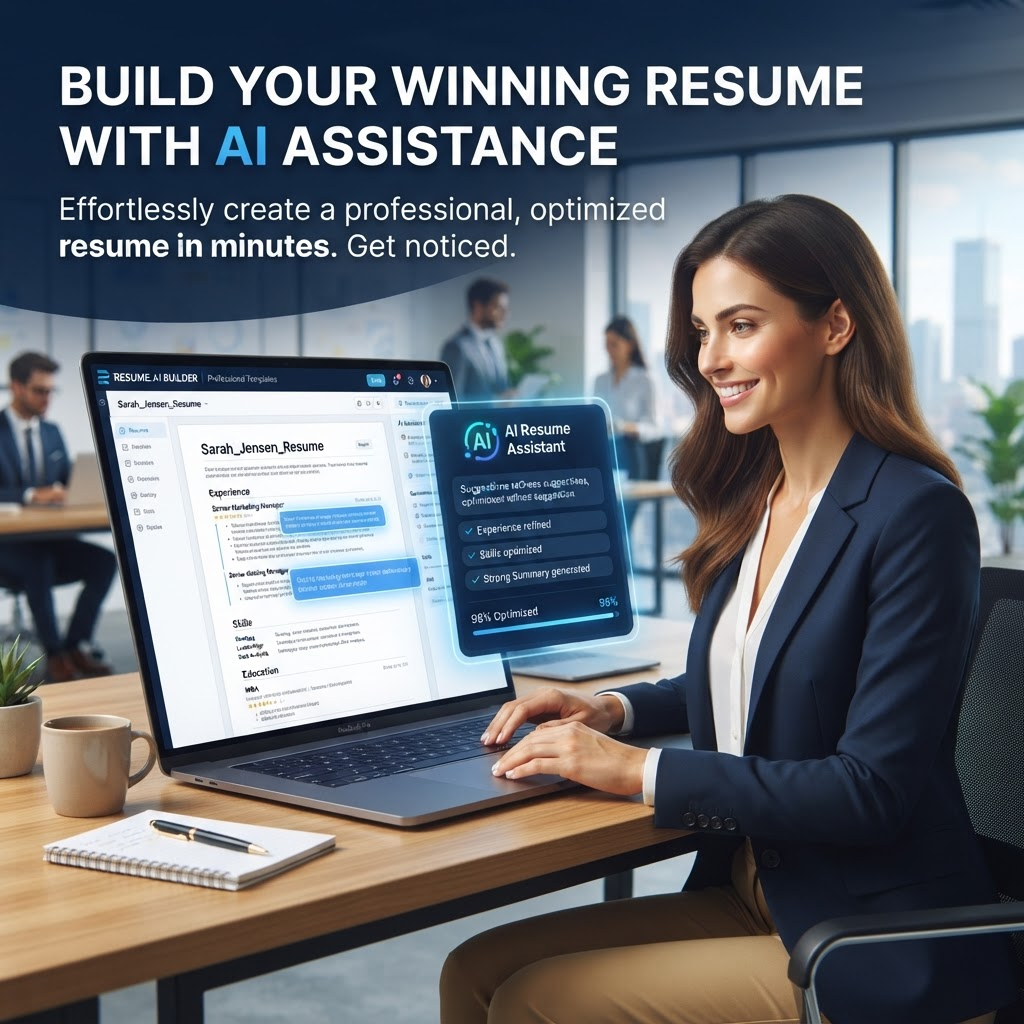
AI Resume Builder helps you create and refine professional resumes with AI-assisted wording, structure, and job-focused content. ATS compatibility depends on the template, formatting, employer system, and job requirements.
Choose from professionally designed templates, customize with your information, and let AI enhance your content. Optimize keywords for job titles, highlight achievements effectively, and present your best professional self.
Create tailored resume drafts for different positions and review the result before applying. Available templates, export formats, usage limits, pricing, and account requirements depend on the current product configuration.
Key Features
AI-powered content suggestions
Professional resume templates
ATS-aware resume formatting
Keyword optimization
Multiple export formats
Customizable designs
Unlimited resume creation
Mobile-responsive editing
Benefits
Stand out to employers
Improve resume structure and readability
Professional appearance
Save time creating resumes
Optimize for job descriptions
Multiple versions for different jobs
Prepare tailored versions for different applications
Confidence in job applications
Use Cases
Job searching and career advancement
Career transition and changing fields
Freelance and consulting work
Entry-level positions and internships
Executive and senior positions
International job applications
Industry-specific applications
Responding to job postings strategically
How to Use AI Resume Builder
1. Open the Tool
Open AI Resume Builder and review the available workflow and supported inputs.
2. Add or Select Your Content
Provide the supported file or content required by the tool, then choose any available options.
3. Review the Result
Review the generated result before downloading or using it, especially when accuracy matters.
Frequently Asked Questions
How does AI help with resume building?
AI can suggest clearer professional language, help highlight relevant achievements, and tailor wording to a job description when those features are available.
Are templates ATS-friendly?
Templates can be designed with ATS-friendly structure in mind, but no resume format can guarantee acceptance or passage through every employer ATS.
Can I create multiple resumes?
The available number of resumes depends on the current product configuration and limits shown in the tool.
How do I customize templates?
Available editing controls depend on the current builder interface. Use the editor controls shown in the tool to add, remove, or rearrange supported sections.
What export formats available?
Available export formats depend on the current tool configuration. Use the export options shown in the editor.
Do you provide keywords for my field?
AI can suggest relevant wording and keywords based on the job information you provide, when that feature is available.
Can I track ATS compatibility?
ATS compatibility depends on the template, formatting, job system, and employer requirements. Review the generated resume before submitting it.
Help with job-specific resumes?
Yes! Customize resumes per job description for maximum relevance and impact.
Is AI Resume Builder free?
Current pricing, usage limits, and export availability depend on the product configuration shown in PDFilio.
Best for career change?
Perfect for career transitions! AI helps frame skills for new industries.
Start AI Resume Builder Now
Use the tool directly and download your result when it is ready.
Use AI Resume Builder